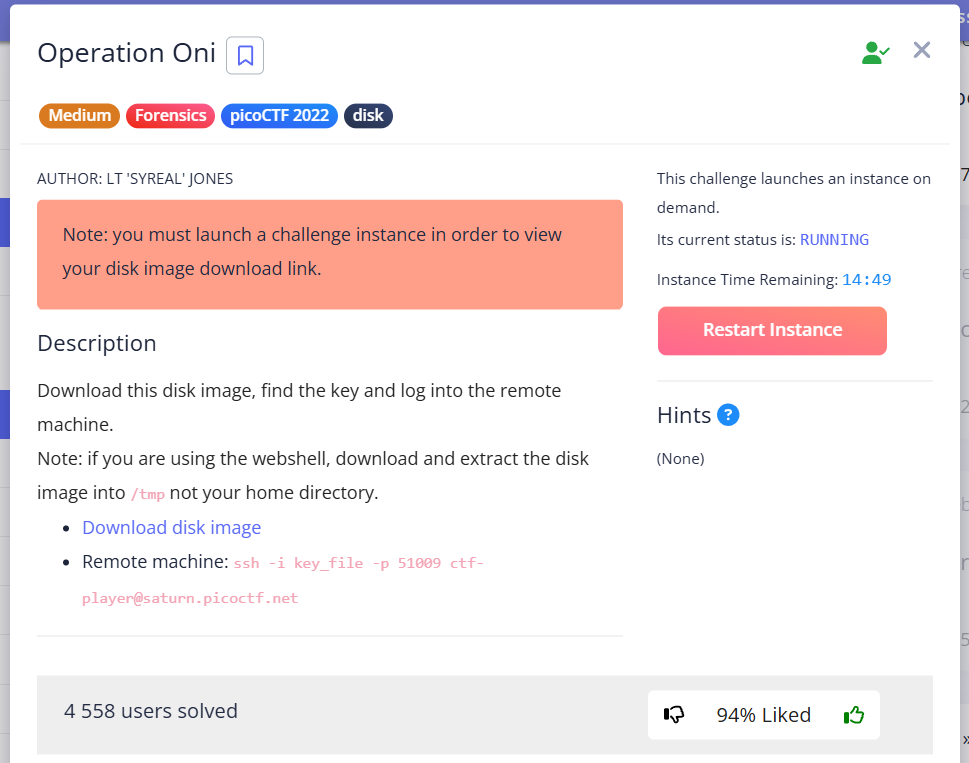
In this task, we need to extract the public SSH key from the .img file and use it to connect to the remote host where the flag will be located.
Autopsy
First, let’s set up the Autopsy environment by creating a project in the same directory as the file we are investigating.
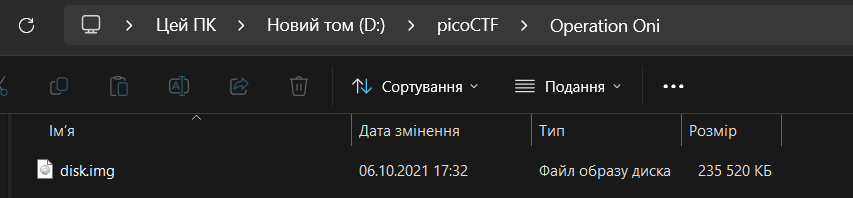
Create New Case
Create a New Case for research:
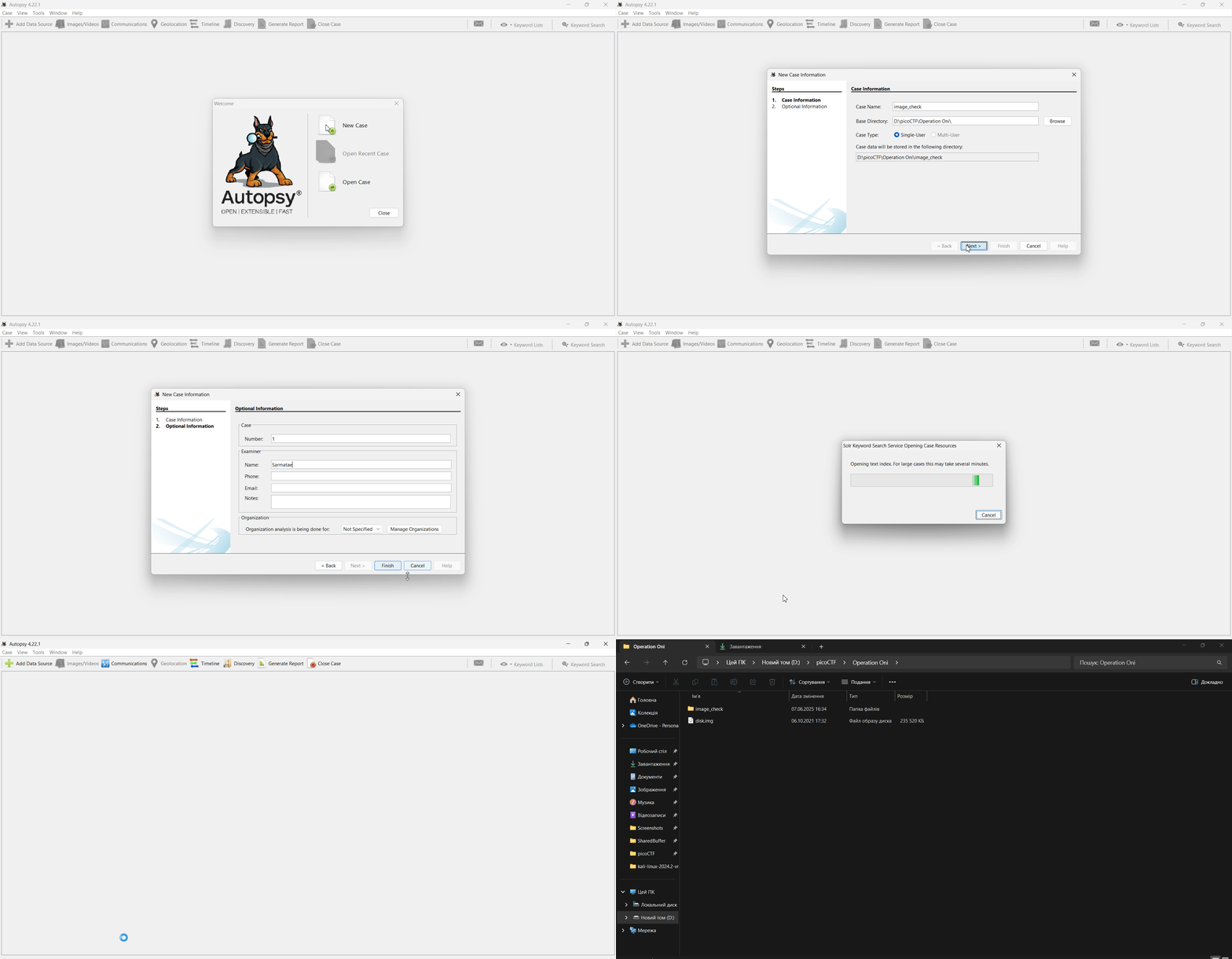
Choose disk.img
Next, we download disk.img for further analysis:
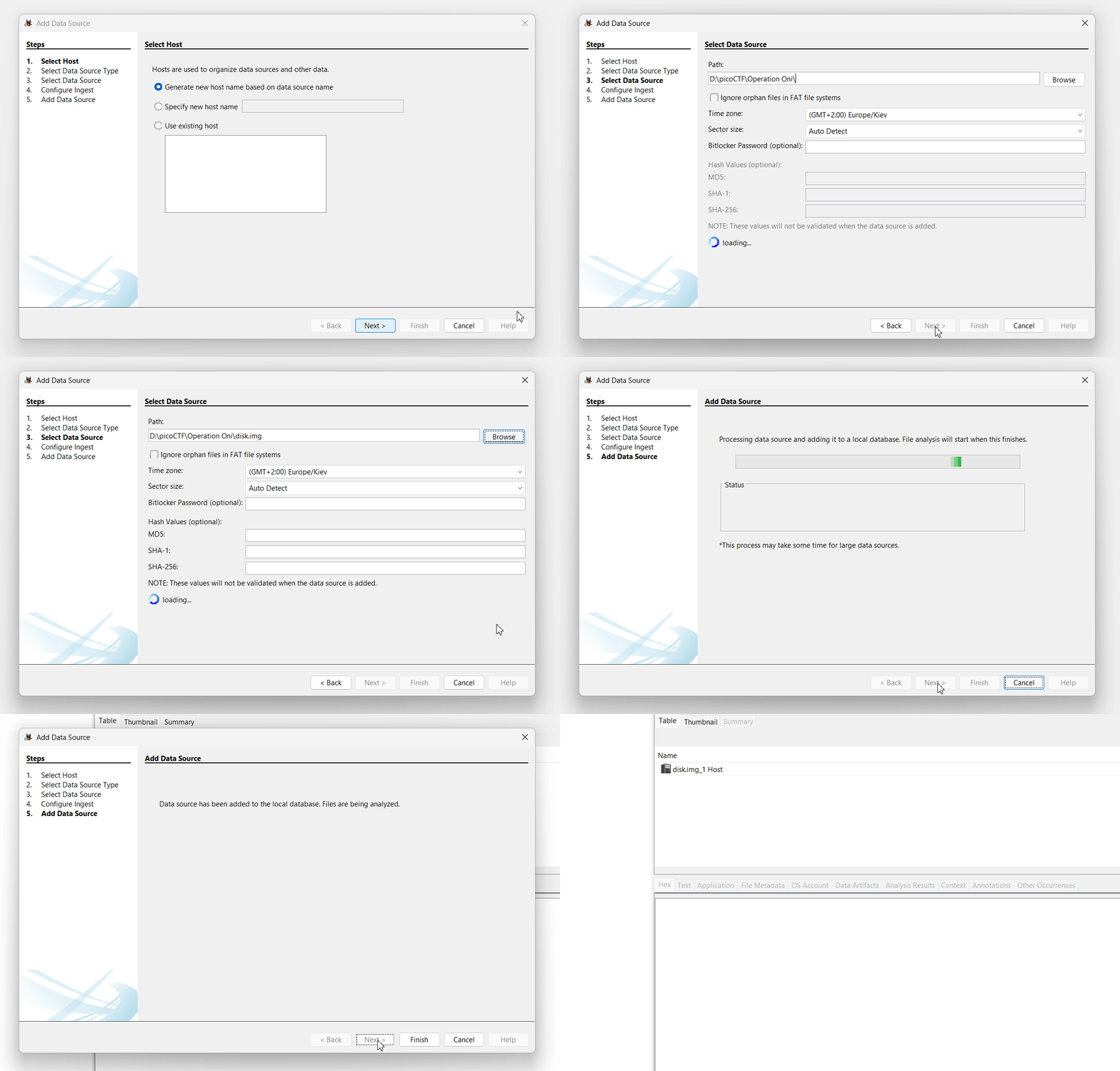
Search for SSH-key
Now we need to find the key that will be used to log in.
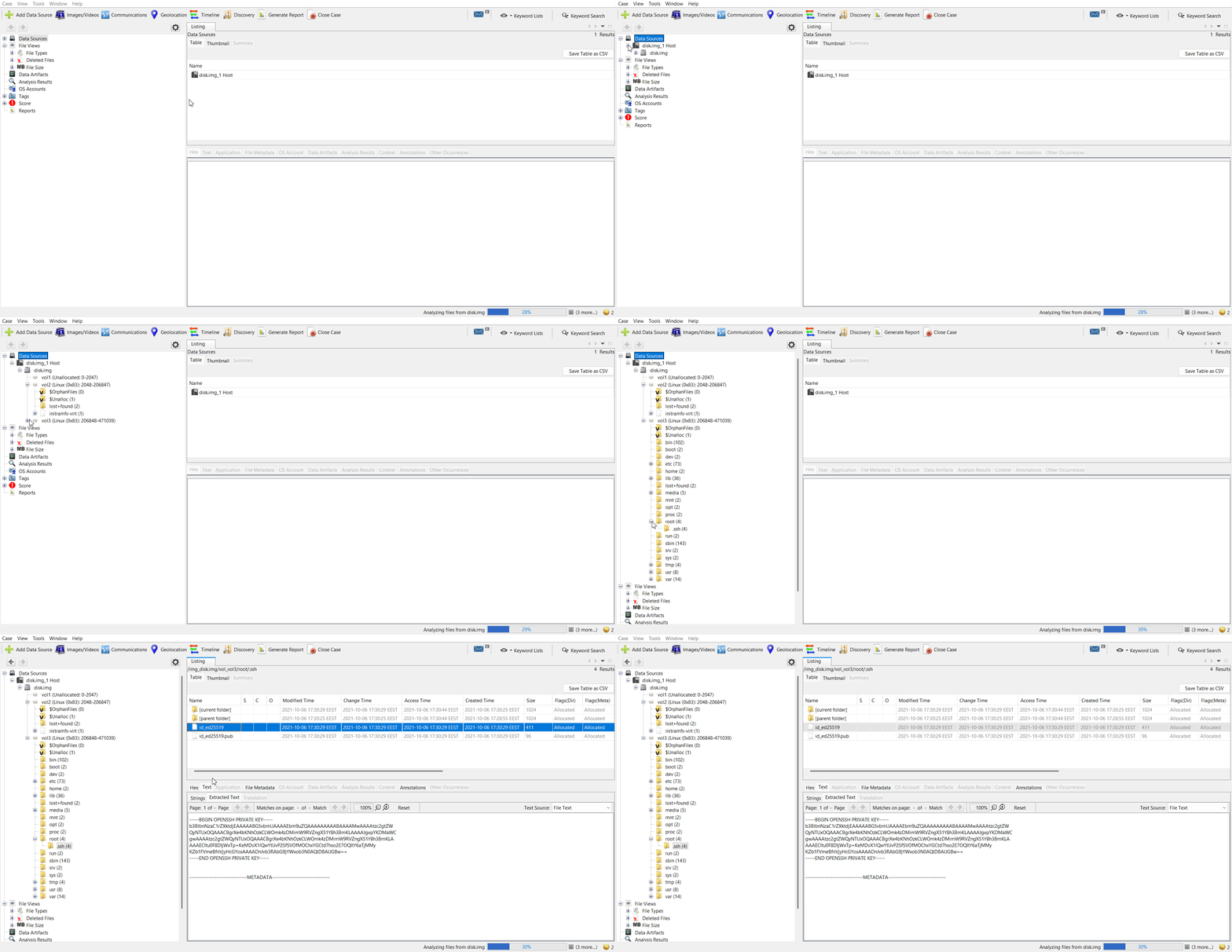
As can be seen from the command in the task description, the file name with the key key_file:
ssh -i key_file -p 51009 ctf-player@saturn.picoctf.netVM Kali
Login to ctf-player
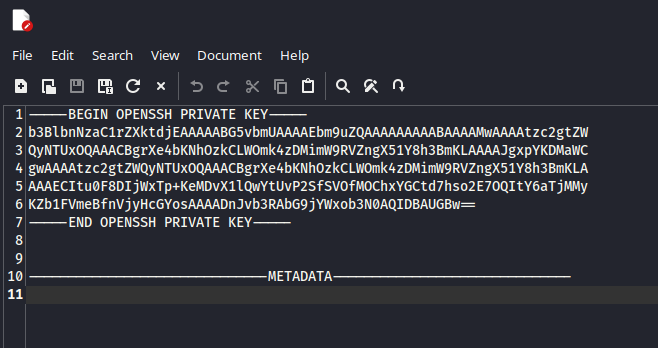
chmod
For the key to work correctly, you need to change its access rights:
chmod 600 key_file 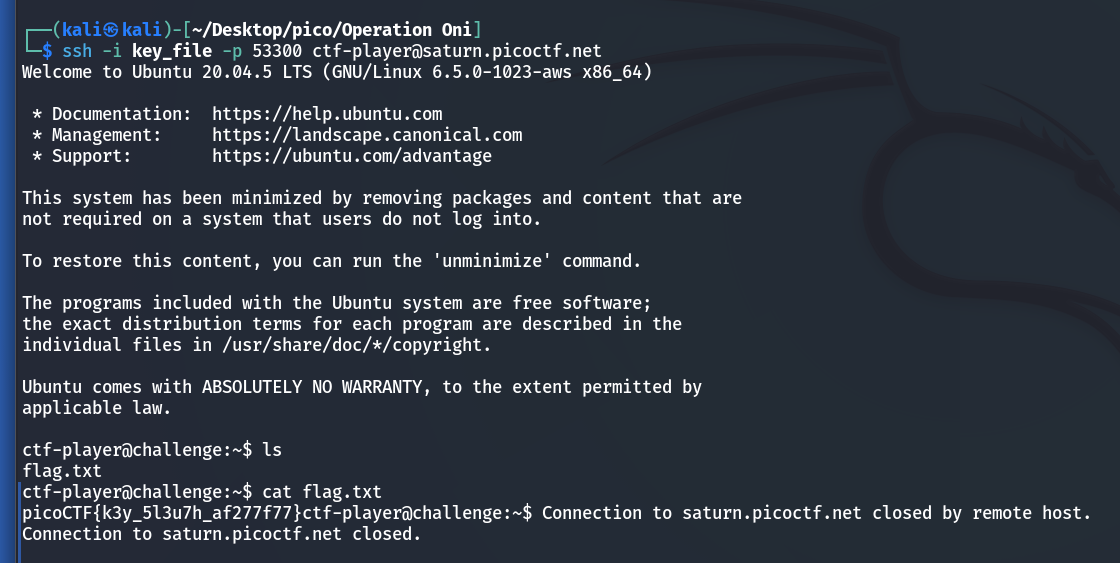
picoCTF{k3y_5l3u7h_af277f77}