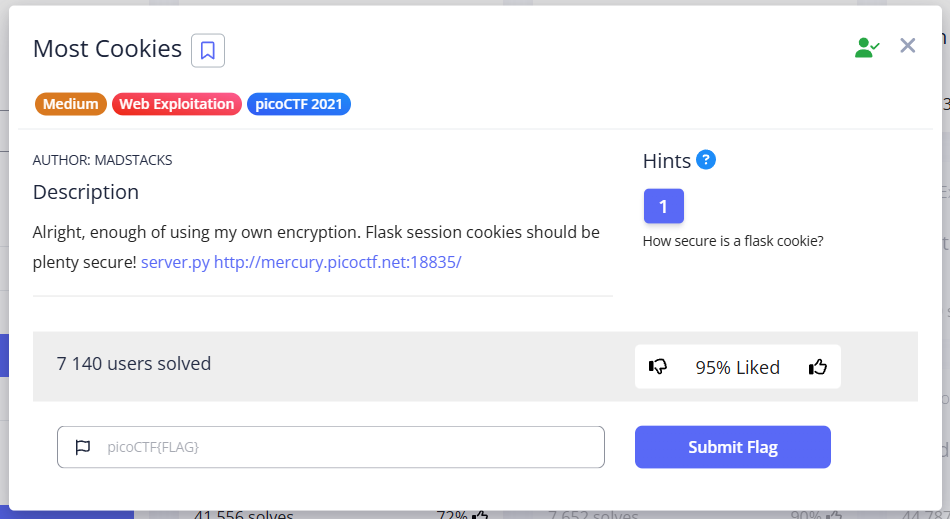
The task is to select the correct key from the cookie_names array for signing the flask cookie token.
In addition, the json data that is serialized and included in the cookie token, which will give us the flag, must be {"very_auth":"admin"} (Admin Cookie), but the word admin is not in the cookie_names array.
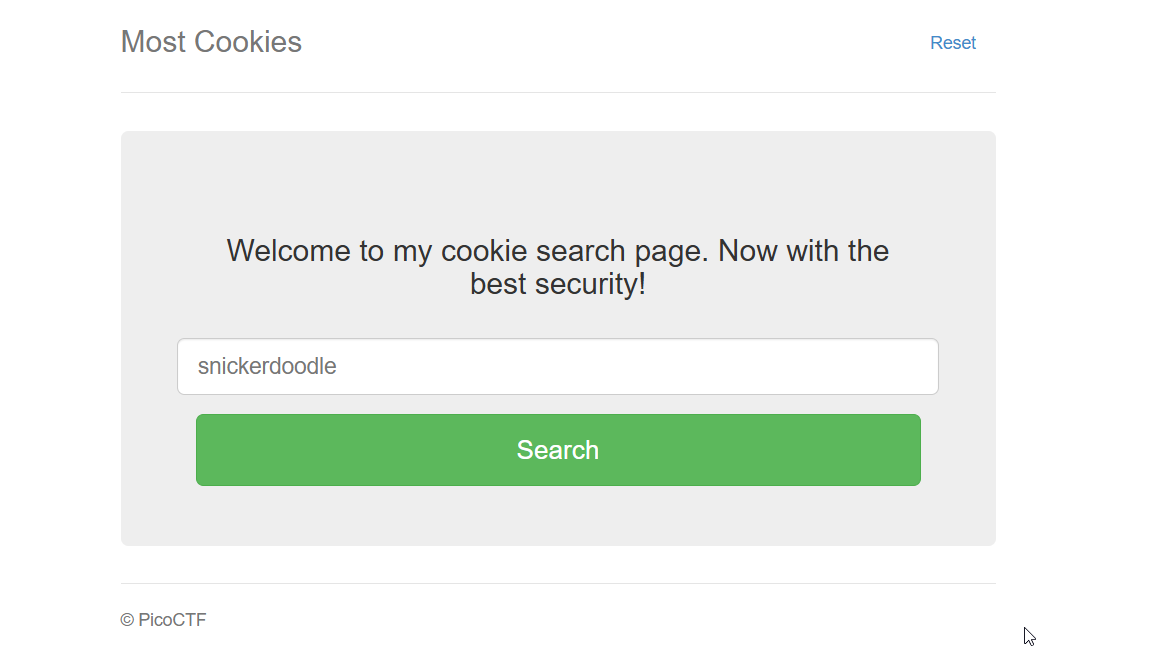
First, we see an input form that only accepts words specified in the cookie_names array. Let’s write a program to make the array look more convenient:
TIP
Resources for this task I left here: click
cookie_names = ["snickerdoodle", "chocolate chip", "oatmeal raisin", "gingersnap", "shortbread", "peanut butter", "whoopie pie", "sugar", "molasses", "kiss", "biscotti", "butter", "spritz", "snowball", "drop", "thumbprint", "pinwheel", "wafer", "macaroon", "fortune", "crinkle", "icebox", "gingerbread", "tassie", "lebkuchen", "macaron", "black and white", "white chocolate macadamia"]

print(len(cookie_names))
print(cookie_names[18])

for cookie in cookie_names:
    # this if is just so that the cookie names are in one line
    if cookie_names.index(cookie) < 10:
        print(f" {cookie_names.index(cookie)} : {cookie}")
    else:
        print(f"{cookie_names.index(cookie)} : {cookie}")
The array itself with indexes:
 0 : snickerdoodle
 1 : chocolate chip
 2 : oatmeal raisin
 3 : gingersnap
 4 : shortbread
 5 : peanut butter
 6 : whoopie pie
 7 : sugar
 8 : molasses
 9 : kiss
10 : biscotti
11 : butter
12 : spritz
13 : snowball
14 : drop
15 : thumbprint
16 : pinwheel
17 : wafer
18 : macaroon
19 : fortune
20 : crinkle
21 : icebox
22 : gingerbread
23 : tassie
24 : lebkuchen
25 : macaron
26 : black and white
27 : white chocolate macadamia
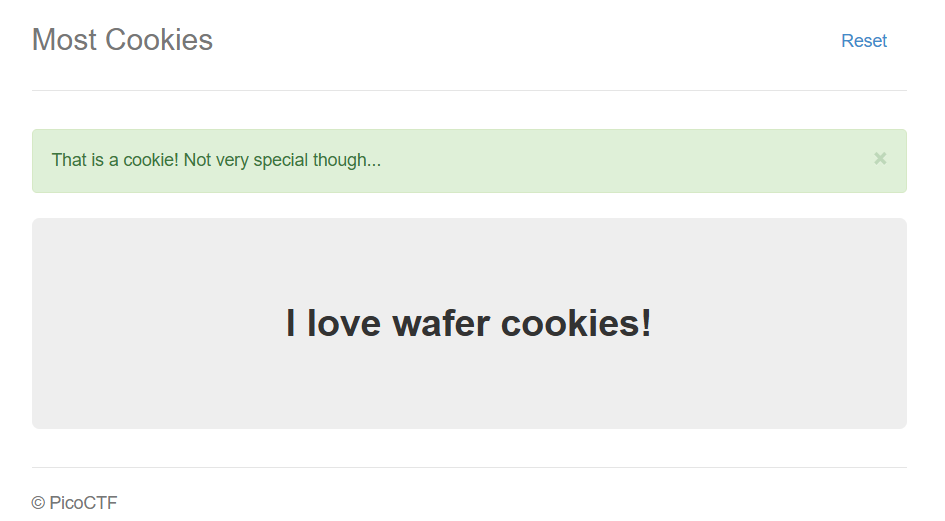

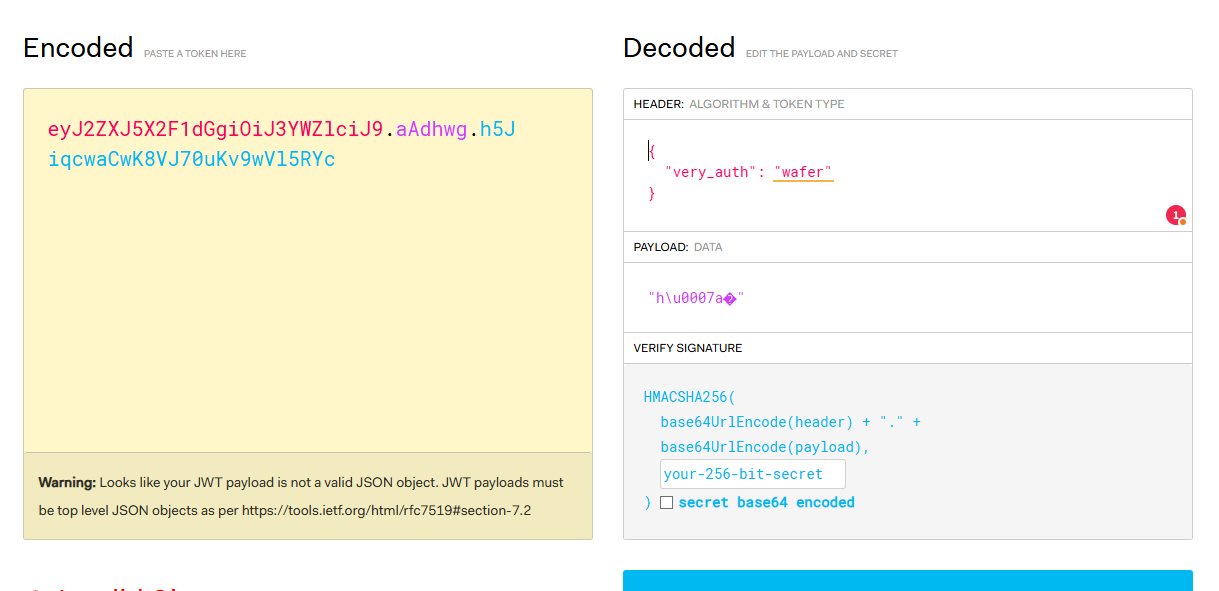
We will receive a cookie. We can manually change wafer to admin in jwt.io, but we do not know the secret key that was used to sign this token.
However, this key is definitely one of the words in cookie_names.
So we need:
- create tokens with each of the potential keys from
cookie_names - so that cookie will contain json data
{"very_auth":"admin"} - to have the correct timestamp (so that cookies are not expired or set for a future date)
- take any cookie from the web application http://mercury.picoctf.net:18835, decode it and recalculate the signature to compare it with each signature created with each word from the
cookie_namesarray
About JWT
JWT has a specific format, Header.Payload.Signature, where Header and Payload are base64url-encoded JSON data.
The Flask session cookie also contains encoded session data (JSON), but the format and addition of extra data (such as timestamp and salt, visible in the .aAPAGg part) are different.
When Flask signs a session cookie, it takes the encoded session data (and additional data implemented using the itsdangerous library), and calculates an HMAC (itsdangerous uses HMAC-SHA1 by default) from this data using a secret key (e.g., the word “macaroon”) as the key for the HMAC function. The secret key is used precisely as a sequence of bytes that corresponds to the characters in the word “macaroon”.
jwt.io is great for JWT, but it doesn’t recognize Flask’s session cookie format “out of the box.”
First, let’s try the Flask-Unsign tool for manipulating session cookies in Flask.
Example from tool’s GitHub page:

flask-unsign --decode --cookie 'eyJ2ZXJ5X2F1dGgiOiJzbmlja2VyZG9vZGxlIn0.aASsiA.UZbs631WPFgGGsVh7UQqzOIXHHk'
{'very_auth': 'snickerdoodle'}
flask-unsign --decode --cookie 'eyJ2ZXJ5X2F1dGgiOiJzbmlja2VyZG9vZGxlIn0.aASsiA.UZbs631WPFgGGsVh7UQqzOIXHHk' --secret 'macaroon'{'very_auth': 'snickerdoodle'}The signature ‘macaroon’ is not valid.
Let’s set up a wordlist for cookie brute force. Can be downloaded as:
pip install flask-unsign[wordlist]
but in our case, we will create our own:
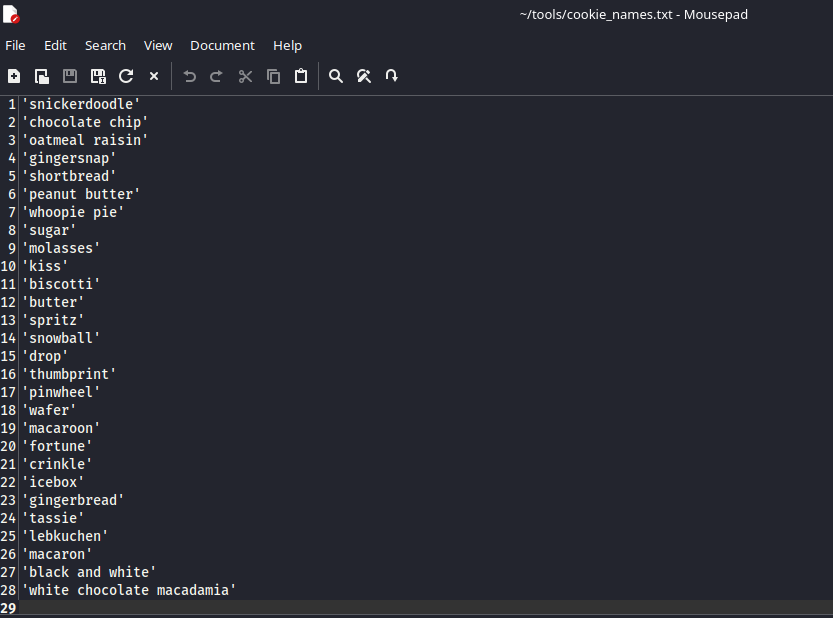
Next, we need a modified cookie in which the first part (up to the first dot, which is base64-encoded json data) will be {"very_auth":"admin"}. We take the cookie from the web application and then encode the payload in base64:
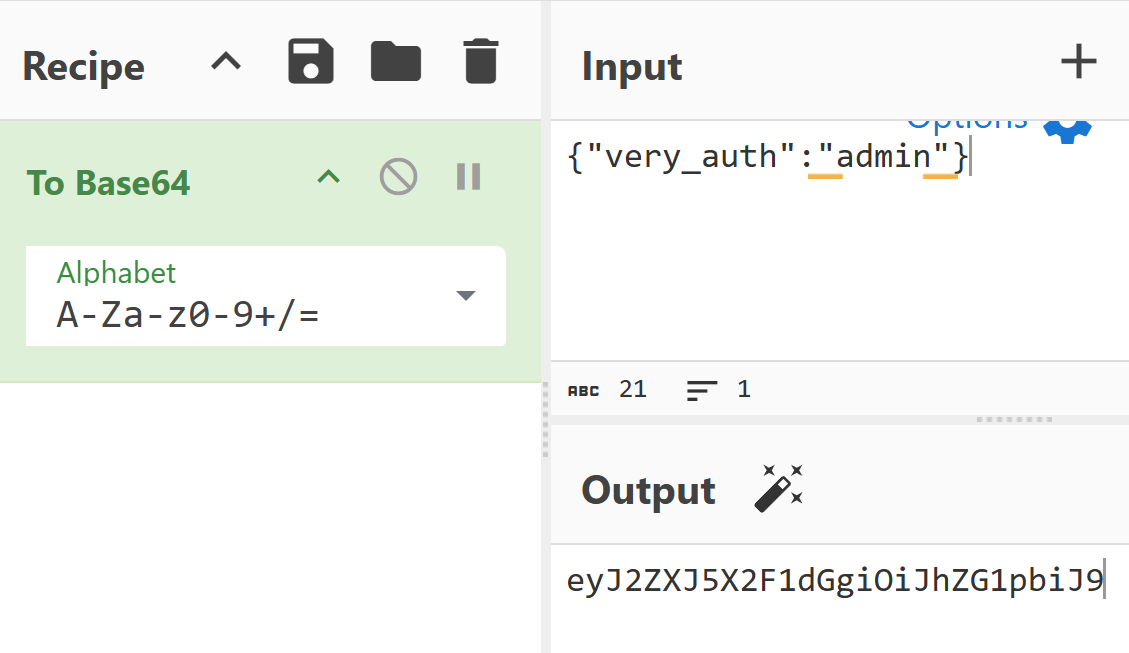
and replace it. We get eyJ2ZXJ5X2F1dGgiOiJhZG1pbiJ9.aASsiA.UZbs631WPFgGGsVh7UQqzOIXHHk
Let’s try brute force:

Here I found a Python program to solve this task.
TIP
I added additional explanations to code and left it all here: click
Script breakdown
The following occurs in this program:
There is a function def flask_cookie(secret_key, cookie_str, operation): which configures and uses the main class from itsdangerous: URLSafeTimedSerializer.
In other words, this function implements the algorithm that Flask uses to sign cookies, but in a slightly simplified form.
Components of URLSafeTimedSerializer:
secret_key- known only to the server, used to calculate the cryptographic signature (HMAC). Without this key, it is impossible to create a valid signature for new data or verify the signature of existing data.salt- in the program, it has the default value ‘cookie-session’serializer– TheTaggedJSONSerializerobject converts a dictionary into a JSON string and adds a special prefix (tag) so that when reading data,itsdangerousknows that it needs to be deserialized as JSON.signer_kwargs– Dictionary with additional parameters for creating a signature (HMAC). In the program, it has the value{'key_derivation': 'hmac', 'digest_method': hashlib.sha1}
What the function does (this is performed by the method s.dumps(cookie_str) ):
- Serializes
{"very_auth": "admin"}and probably adds the.jsontag. The output is something like'.json{"very_auth": "admin"}' URLSafeTimedSerializeradds the current time (timestamp) to the data that will be signed. This is done so that the cookie has a limited lifetime.- Serialized data + timestamp/metadata form a string that will be the basis for the signature. (Payload)
- Using secret_key, salt (‘cookie-session’) and the method
key_derivation='hmac'– this is a secret key + salt, processed - HMAC is calculated using the
digest_method=hashlib.sha1algorithm. - The payload and the resulting HMAC are encoded in Base64 and combined
base64(Payload).<addidional data>.base64(HMAC)
Below the flask_cookie function in the for possible_secret_key in possible_keys:
when we call cookie_decoded = flask_cookie(possible_secret_key, cookie_str, "decode")
we pass the values from the possible_keys array (cookie_names in server.py) through the loop, pass cookie_str taken from the web application,
and the operation to be performed (decode/encode).
The decode operation is performed by the method s.loads(cookie_str) in order to verify that:
- break down
cookie_strinto payload and HMAC - select Payload and check timestamp/metadata
- if the timestamp is expired, it throws a BadTimeSignature exception, which will be caught by the except block and the following key will be applied
except BadTimeSignature: # If the decoding fails then try the next key. continue - secret key that was passed to URLSafeTimedSerializer (
possible_secret_key), the same salt (‘cookie-session’) and method key_derivation, the signing key is generated - HMAC of this key is recalculated: Signature = HMAC(secret_key, Payload)
- Compared to the decoded signature that was taken from
cookie_str
If the keys match, then:
secret_key = possible_secret_key
# Break the loop when we have the corret key.
break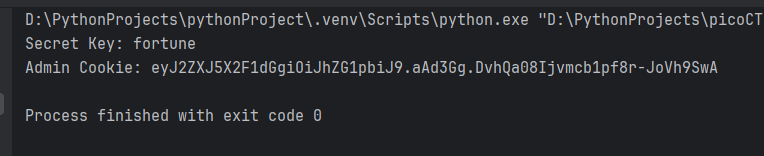
You can also sign cookies using the aforementioned Flask-Unsign

Insert into the web application:
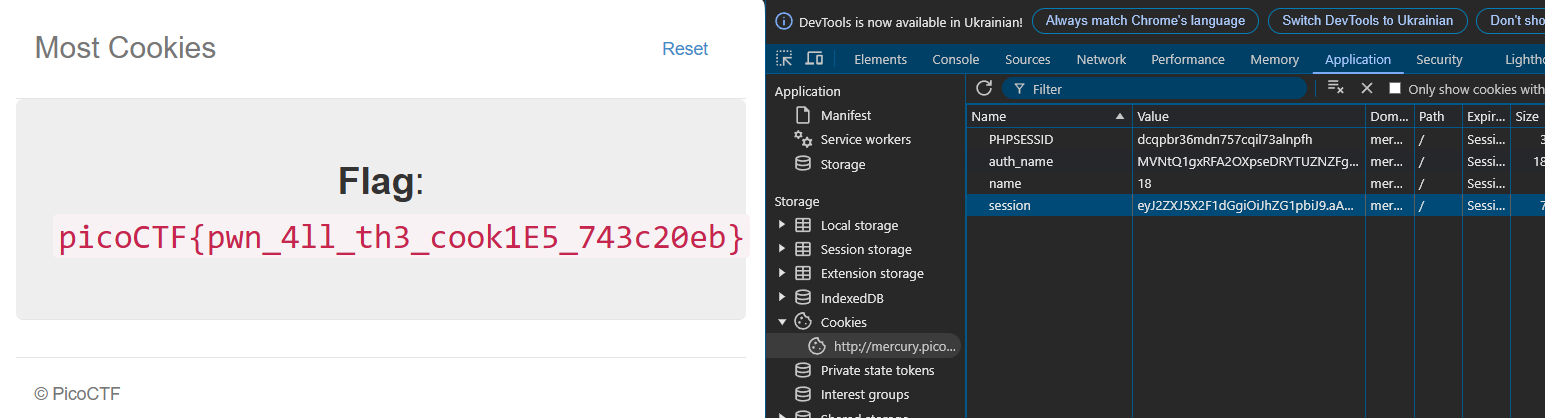
picoCTF{pwn_4ll_th3_cook1E5_743c20eb}