In this task, we need to extract the password from the encrypted disk image bitlocker-1.dd.
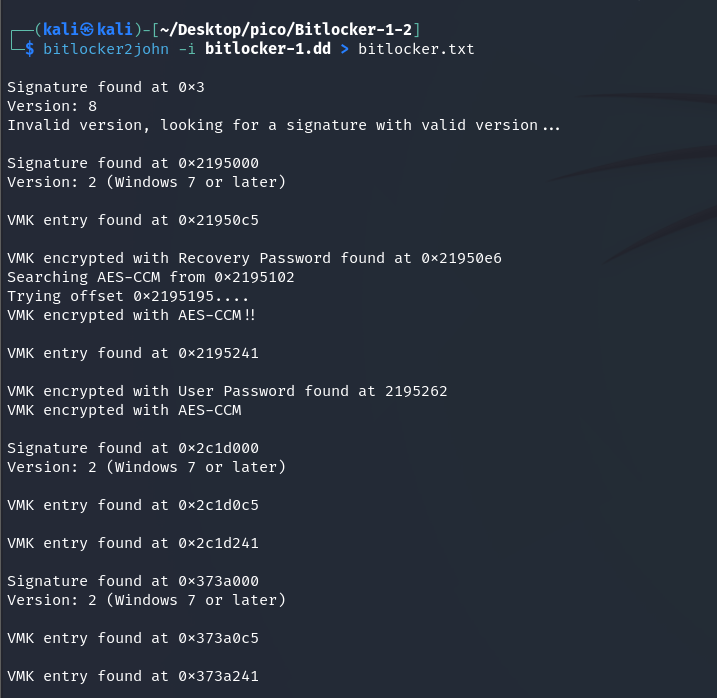
bitlocker2john -i bitlocker-1.dd > bitlocker.txtNOTE
bitlocker2john– extracts the BitLocker hash password from the disk image.-i (input)– specify the input file
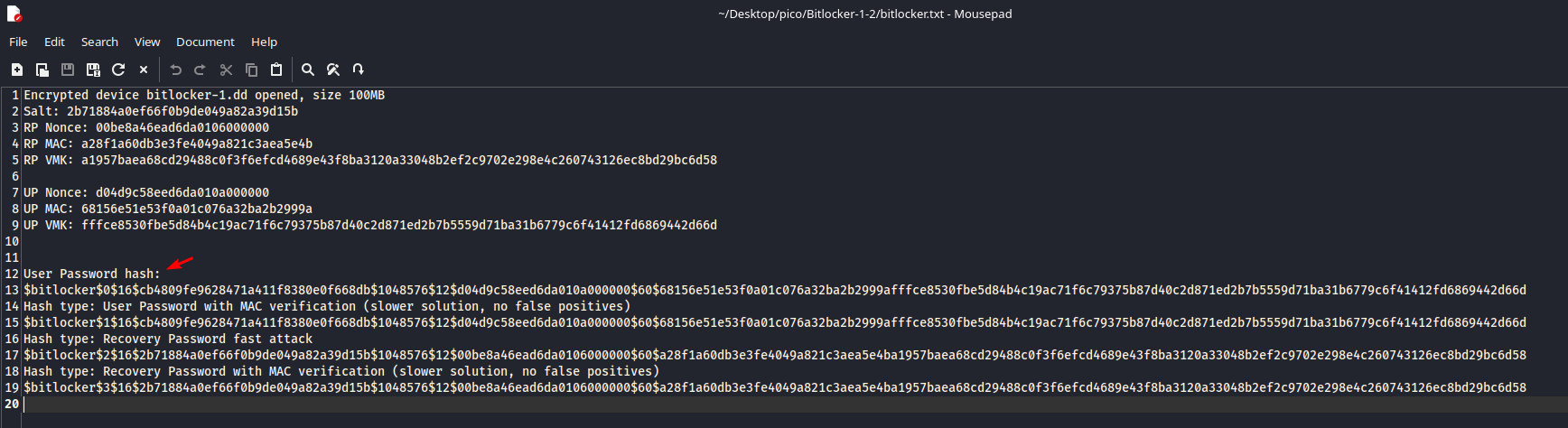
User Password hash:
$bitlocker$0$16$cb4809fe9628471a411f8380e0f668db$1048576$12$d04d9c58eed6da010a000000$60$68156e51e53f0a01c076a32ba2b2999afffce8530fbe5d84b4c19ac71f6c79375b87d40c2d871ed2b7b5559d71ba31b6779c6f41412fd6869442d66d
Found a hash that now needs to be cracked. We will brute force it with the rockyou.txt dictionary. Let’s take the first 10,000 passwords so that the process would not be too long:
head -n 10000 /usr/share/wordlists/rockyou.txt > 1-10000.txtWe will perform the substitution using ‘hashcat’:
hashcat -m 22100 -a 0 bitlocker.txt 1-10000.txt -w 3-
-m 22100: This argument-m(from mode) tellshashcatwhich type of hash to crack. Each hash type has its own unique identifier22100– this is the identifier for BitLocker
-
-a 0: (attack mode) specifyhashcatwhich attack method to use.-
0– identifier for a dictionary attack (Wordlist Attack)hashcatwill take each word from1-10000.txt, hash it using theBitLocker (-m 22100)algorithm, and compare the resulting hash withbitlocker.txt.
-
-
-w 3: (workload profile) specifyhashcathow intensively to use PC resources.1: Conservative, less resource consumption.2: Standard.3: Intensive (aggressive). Uses maximum GPU or CPU resources to achieve the highest cracking speed.
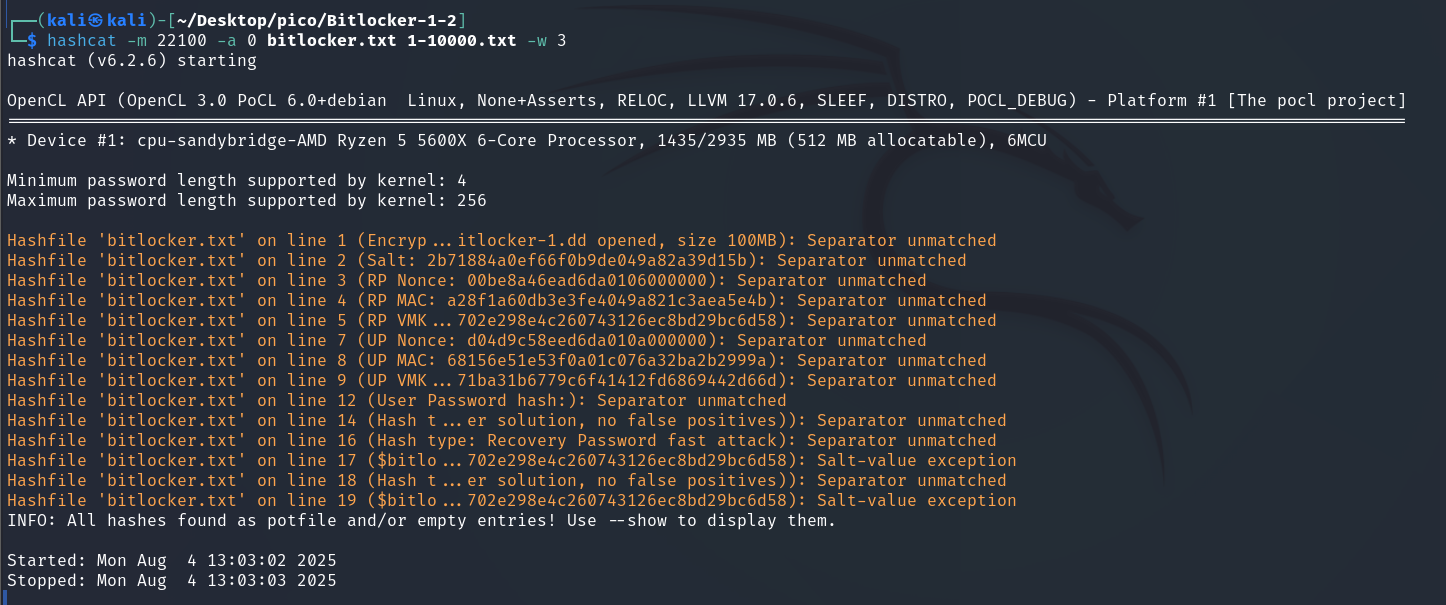
I had searched for this hash before, so hashcat saved it in potfile:
NOTE
hashcat.potfile(or simplyhashcat.pot): This is done to not to crack the same hash several times if the attack is launched several times.
Let’s review it:
hashcat -m 22100 bitlocker.txt --show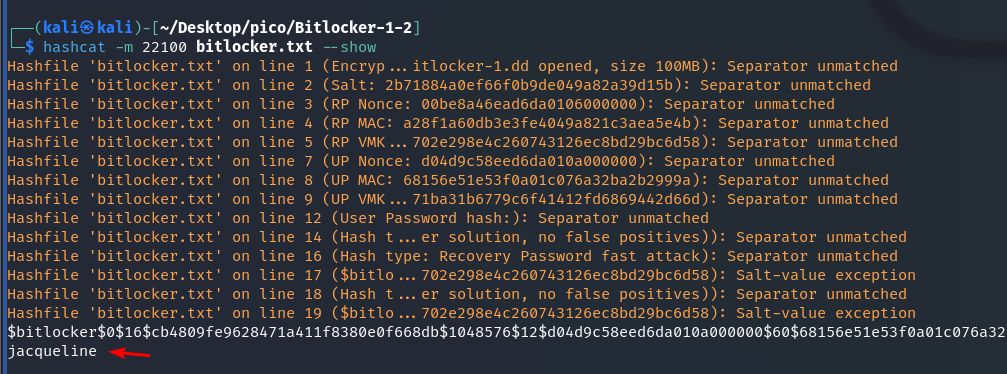
So the password is jacqueline. Now we can decrypt the BitLocker file with this password and view its contents.
Create a directory under dislocker-file. This is a virtual device representing a decrypted volume.
mkdir dislockerDecryption will perform with tool dislocker with -u parameter:

sudo dislocker -v bitlocker-1.dd -ujacqueline dislocker
Create a directory in /mnt where we will mount our decrypted disk image:
sudo mkdir /mnt/bitlocker1Mount:
sudo mount -o loop dislocker-file /mnt/bitlocker1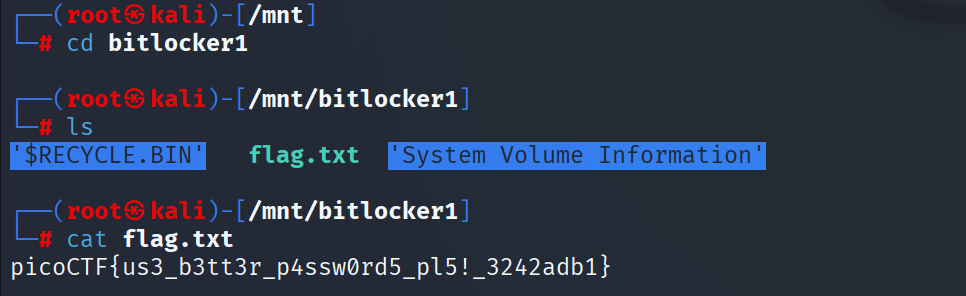
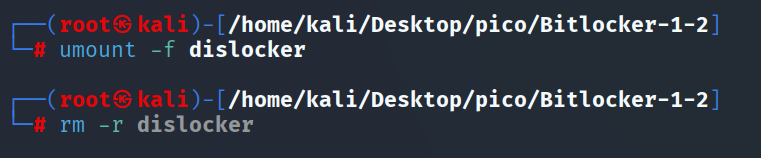
How to unmount
Let’s see what’s mounted now:

Unmount:
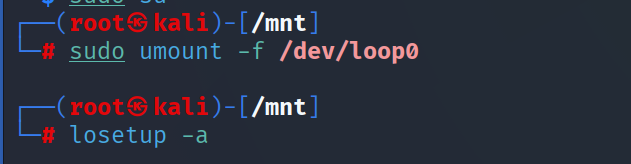
If you get this error:
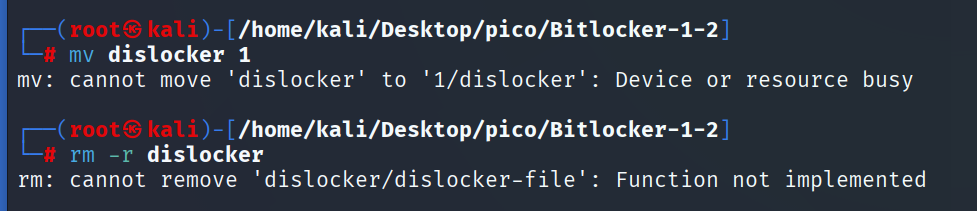
TIP
found solution here: click
picoCTF{us3_b3tt3r_p4ssw0rd5_pl5!_3242adb1}