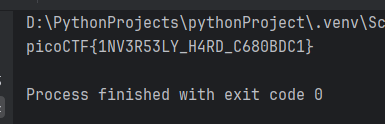
dec = [165, 248, 94, 346, 299, 73, 198, 221, 313, 137, 205, 87, 336, 110, 186, 69, 223, 213, 216, 216, 177, 138]decoded_string = ""for d in dec: d_mod = d % 37 if d_mod in range(0, 26): decoded_string += chr(d_mod + ord('A')) elif d_mod in range(26, 36): decoded_string += str(d_mod - 26) else: decoded_string += "_"print(f"picoCTF{{{decoded_string}}}")
There are several nuances in the code for it to work correctly:
In the range(0, 26) method, the first number is included and the second is excluded. That is, the notation (0, 26) will mean 0-25.
if d_mod in range(0, 26):
      decoded_string += chr(d_mod + ord('A'))`
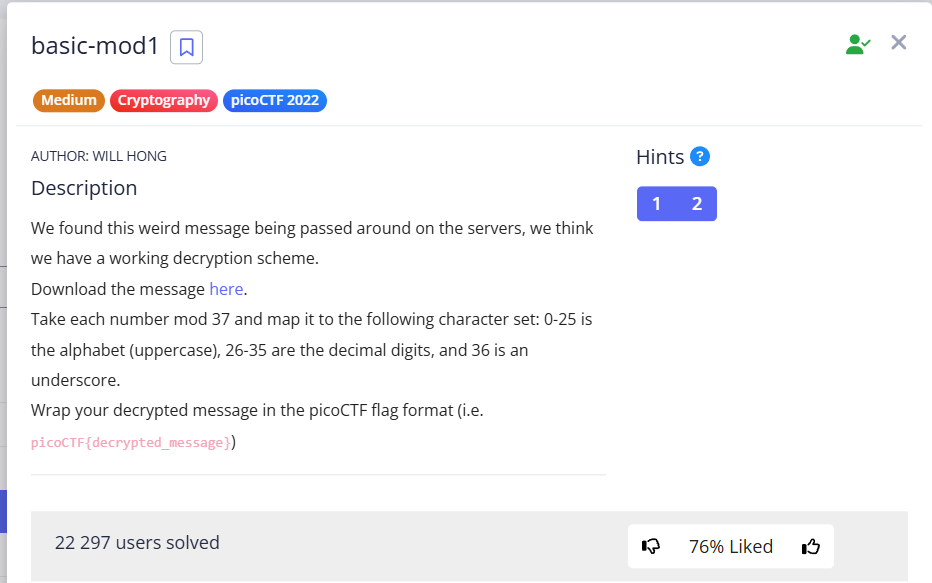
The condition states “Take each number mod 37 and map it to the following character set”. That is, we take the module d_mod and convert it into an ASCII character.
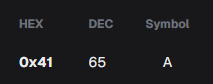
Since the uppercase letters of the English alphabet in the ASCII table start at 65, and the module d_mod will be in the range from 0 to 25, then we must add ord('A') (i.e., 65) to each value.
elif d_mod in range(26, 36):
      decoded_string += str(d_mod - 26)
The condition states “26-35 are the decimal digits”, i.e. a comparison is also formed:
d_mod = 26 -> 26 - 26 = 0 (The result of module 26 corresponds to the number 0)
…
d_mod = 35 -> 35 - 26 = 9 (The result of module 35 corresponds to the number 9)
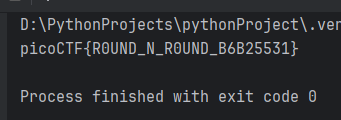
picoCTF{R0UND_N_R0UND_B6B25531}
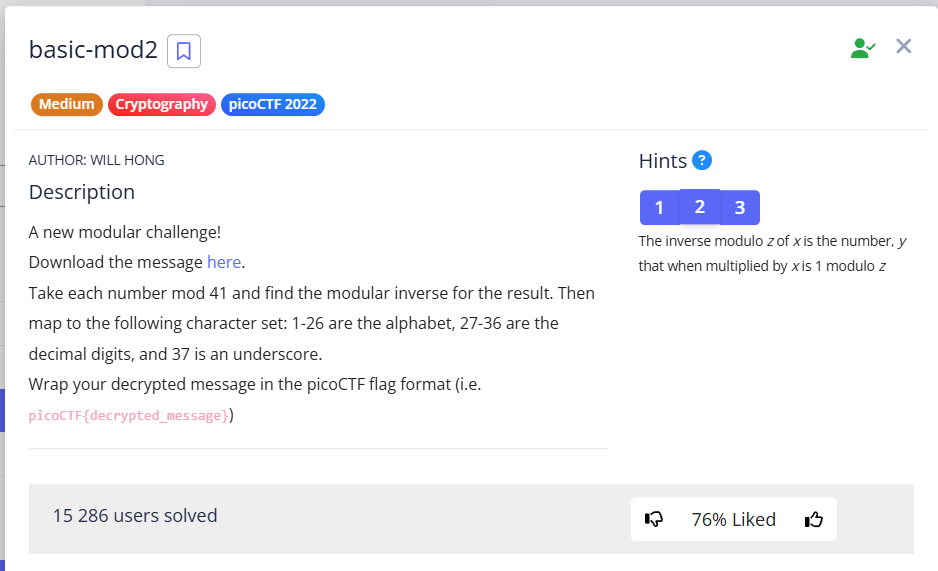
Similar to the previous task, we also need to write a program, but with some minor differences:
Values 1-26 correspond to letters a-z (was 0-25)
27-36 correspond 0-9 (was 26-35)
The inverted modulus is calculated (how to do for Python 3.8+)
dec = [432, 331, 192, 108, 180, 50, 231, 188, 105, 51, 364, 168, 344, 195, 297, 342, 292, 198, 448, 62, 236, 342, 63]def mod_inverse(decimal, module): #calculate the usual modulus. basic_mod = decimal % module return pow(basic_mod, -1, 41)decoded_string = ""for d in dec: d_mod_inverse = mod_inverse(d, 41) if d_mod_inverse in range(1, 27): decoded_string += chr(d_mod_inverse + ord('A') - 1) #A = 65, so we add 64 to the value 1 elif d_mod_inverse in range(27, 37): decoded_string += str(d_mod_inverse - 27) else: decoded_string += "_"print(f"picoCTF{{{decoded_string}}}")
pay attention to the following things:
decoded_string += chr(d_mod_inverse + ord('A') - 1) Since letters a-z now correspond to numbers 1-26 (previously 0-25), we need to add 64, not 65 (or ord('A') - 1)